 DYNAMIC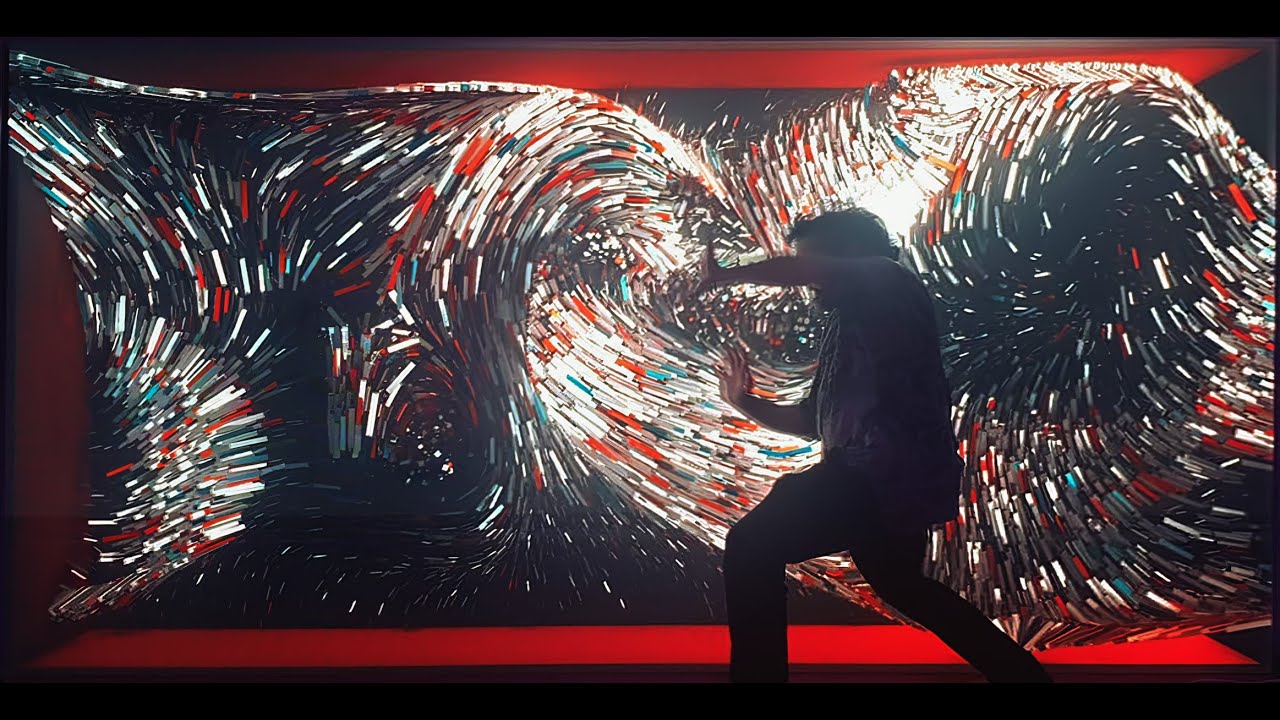
Every museum has seen it: an interactive exhibit that drew crowds at opening and a year later sits behind a handwritten "out of order" sign. The idea was fine. The exhibit was built like a demo, not like something that would run eight hours a day, every day.
This is a guide to interactive museum exhibits that are still working in year three, based on what we build for permanent spaces like the interactive wall at Mobileye's headquarters, which runs every day for employees and guests.
Choose interfaces that do not wear out
Every surface a visitor touches is a maintenance item. Touchscreens collect fingerprints and scratches, buttons get hit far harder than anyone expects and small parts disappear. That does not mean avoiding physical interaction, which is often the most memorable part of an exhibit. It means choosing it deliberately:
- Movement and gesture tracked by depth cameras or sensors, with nothing to touch at all. FLOW, our interactive projection artwork, responds to people's bodies from a distance.
- Arcade-grade buttons and pads rated for millions of presses, in enclosures that can be opened and serviced quickly.
- Protective glass over any screen within reach of children.
Displays and projectors built for long days
Consumer TVs are not designed to run eight hours a day for years. Commercial displays are, and they come with warranties to match. For projection, laser projectors avoid the lamp replacements that older models needed every few months. LED walls handle daylight and long hours well, at a higher upfront cost. The LED versus projection choice is worth making with the room's light and the opening hours in mind.
Software that recovers by itself
Nobody on a museum floor should need to know how to restart a computer. Permanent exhibits should:
- Start automatically when the power comes on in the morning.
- Restart the experience if it ever freezes, using a watchdog.
- Return to an attract mode when nobody is using them, so the next visitor finds a clean start.
- Shut down safely at closing time.
Industrial computers without moving parts, and a power supply that protects against short outages, remove most of the failures that keep an exhibit dark.
Remote monitoring and support
With remote access the studio can see that an exhibit is down, often before the staff do, and fix most software problems without a visit. Agree in advance who gets alerted, how fast someone responds and which parts are kept on site for a quick swap.
Content that can change
Museums change exhibitions, add languages and correct facts. An exhibit with its content locked inside the code needs a developer for every edit. A simple content panel, where staff can update text, images and languages, keeps the exhibit current without a new project each time.
Design for real visitors
Real visitors arrive in school groups, push every button at once, read nothing and stay ten seconds. Test with them before the exhibit is final. A short prototype stage, even a rough one, shows which instructions nobody reads and which interactions need to be bigger, simpler or louder. Plan for accessibility at the same time: reachable heights, captions and options that do not depend on sound alone.
Questions to ask before you commission an exhibit
- How long has your oldest permanent installation been running?
- What happens on the day something fails, and how fast is the response?
- Which parts will wear first, and are spares included?
- How will our staff update content and languages?
For a wider view of planning a space, see our visitor center planning guide. Planning a museum, visitor center or permanent installation? Tell us about the space and we will help you choose technology that lasts.